Halftones that print clean on any shirt.
Drop in your design, pick a look, download. You get a 300 DPI PNG with hard edges only, ready for DTF film.
No account or card to try it. Your art is processed on your own computer, never uploaded.
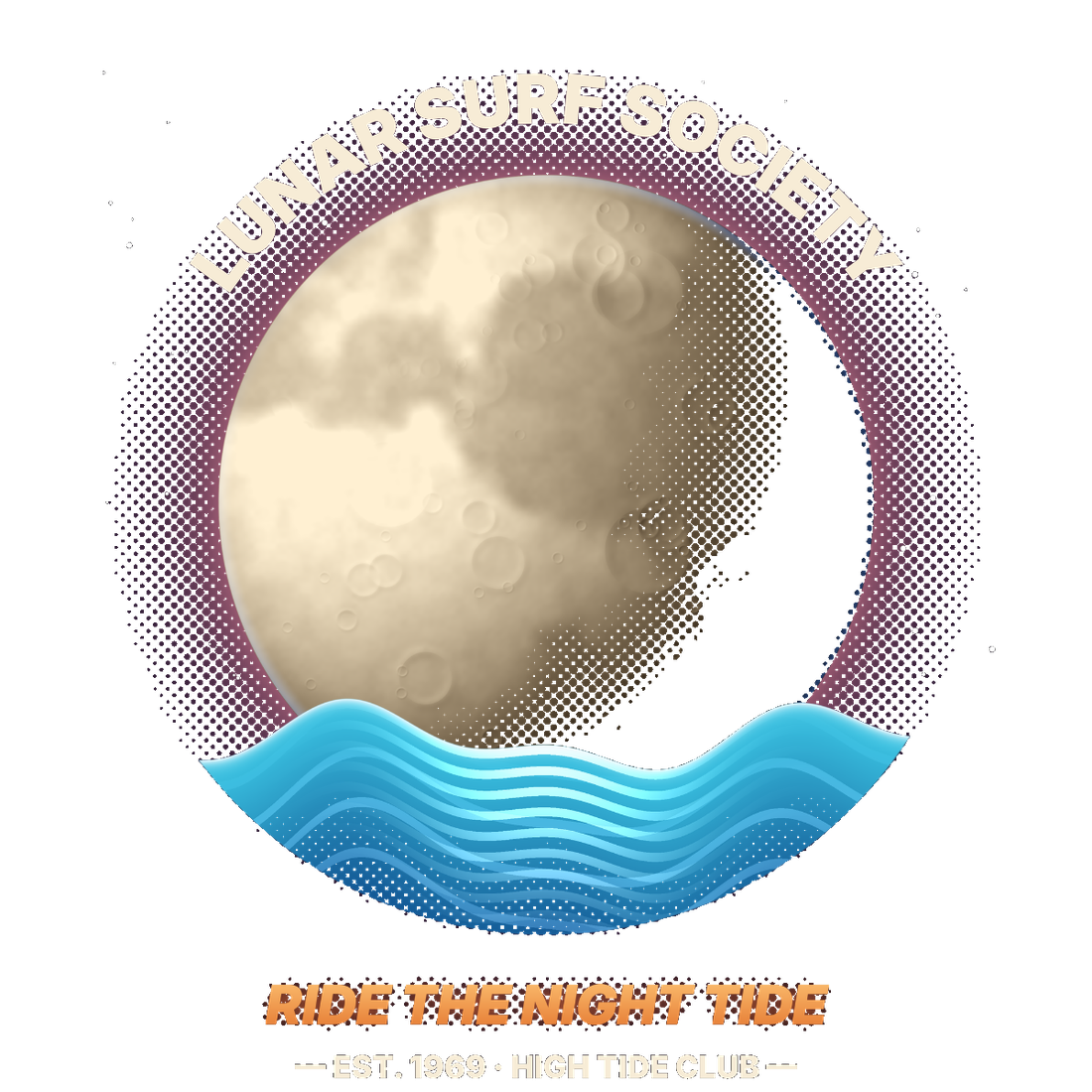
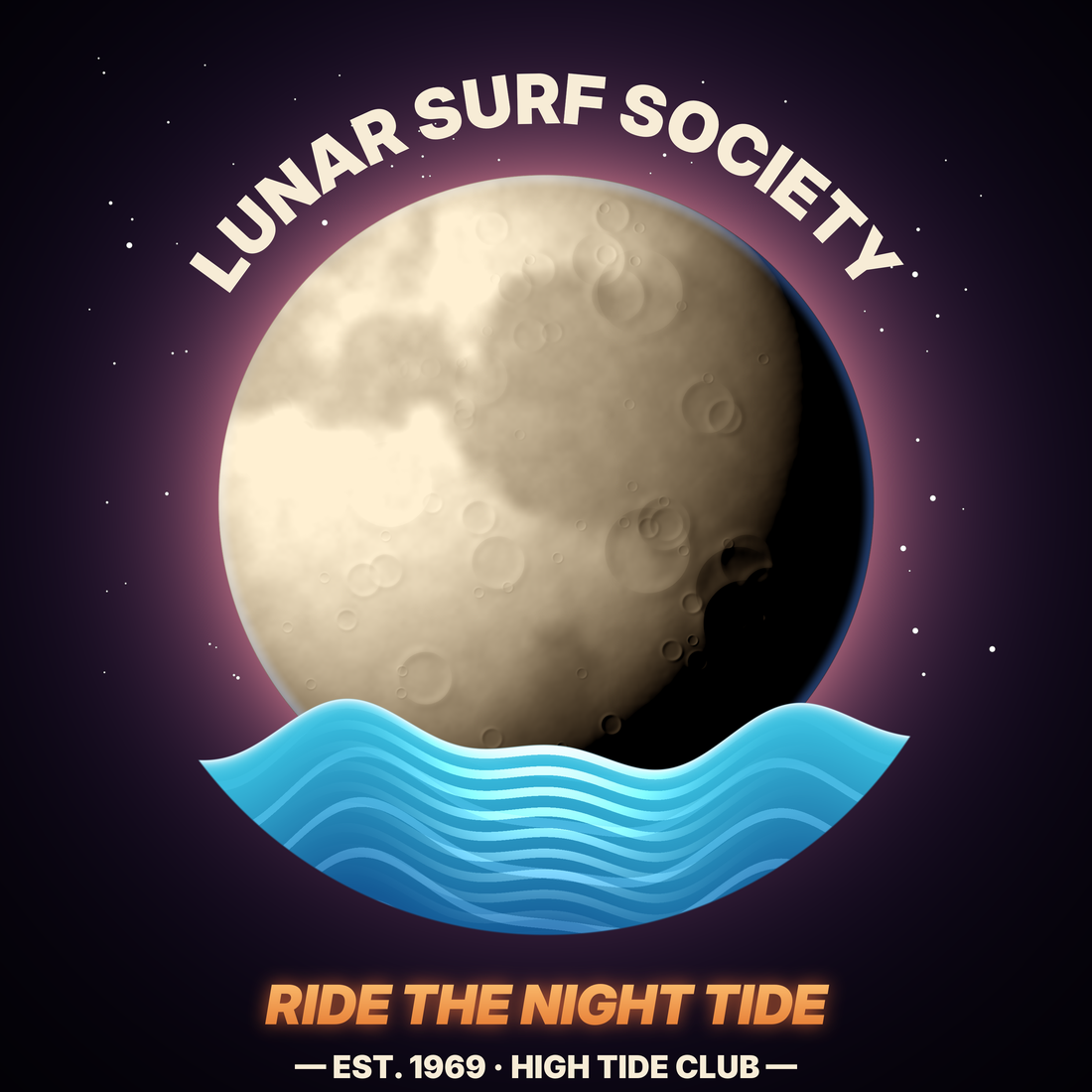 OriginalHalftone Kit
Three steps, about a minute.
No actions to install, no layers to mask, no settings to memorize. If you can drag a file, you can do this.
- 1
Drop in your design
PNG or JPG. White, black or any solid background is removed for you, and leftover edge fringe can be trimmed off.
- 2
Pick a look and a shirt color
One click applies a finished style. Colors close to the shirt melt into it as dots, so the shirt does the work.
- 3
Download and print
A 300 DPI transparent PNG lands in your Downloads, cropped tight and checked for specks and too-thin detail.
See it in 30 seconds
Built for DTF film, not just for looks.
Soft, semi-transparent pixels are why DTF prints come out cloudy or catch powder where they shouldn't. Every pixel Halftone Kit exports is either fully there or fully gone.
- Glows and soft shadows become dotsSee-through pixels are converted to solid dots instead of printing as white haze.
- Hard edges onlyNo semi-transparent pixels, so the white underbase stays crisp.
- Print check before you waste filmFlags low resolution, dots too fine to hold, and detail under 1/100".
- Uses less inkThe print check shows how much ink you save versus printing the art solid.
- Works with any design toolAffinity, Canva, Procreate, Photoshop or AI art: if it exports a PNG, it works.
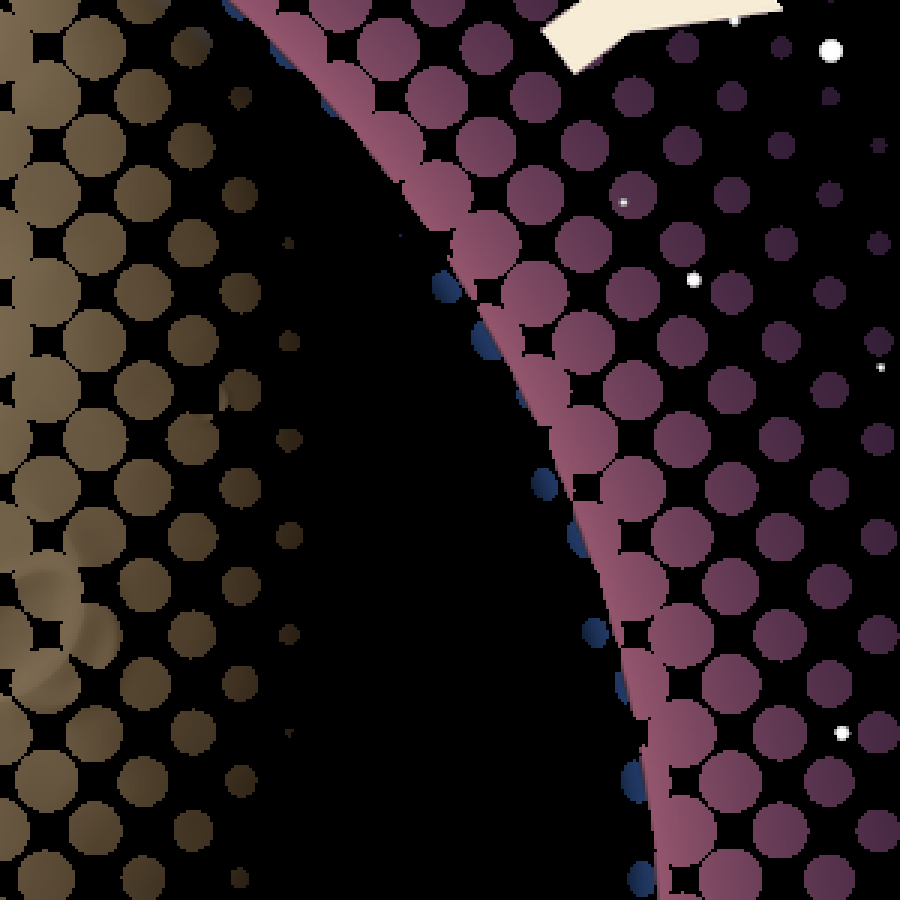
21 looks, one click each.
Start from a finished style in Easy mode. When you want more control, switch to Mid or Advanced for patterns, color removal, color boost, accent dots and layers.
Try everything free. Pay when you download.
Upload your own art and use every setting before you spend a cent. When it looks right, pick a plan and your downloads unlock the moment you check out.
- Upload your own designs
- All 21 looks, 25 patterns and every setting
- Preview on any shirt color at true print size
- No account, no card
- Unlimited 300 DPI downloads
- Any print size up to 24"
- Batch export, layers and print check
- Every future update included
- Commercial use on the shirts you sell
- Everything in Lifetime
- Updates while your plan is active
- Cancel anytime; access runs to the end of your year
Running a print shop? Offline Shop & Integration plans with license keys, batch and hot folder.
Rather have us do it? Send us your design and we'll send back a print-ready file.
Questions
Can I really try it with my own art?
Yes. Open the app, drop in your design and use every look and setting. The only thing that needs a plan is downloading the finished print file.
Is my artwork uploaded anywhere?
No. Halftone Kit runs inside your web browser. Your design is processed on your own computer and saved straight to your Downloads folder.
How do I get access after I pay?
Checkout sends you straight back to the app, already unlocked. On another computer, click Download, choose "Already bought?", and enter the email you paid with. We'll email you a one-time sign-in link.
Lifetime or Yearly?
Lifetime is one payment and never expires, including future updates. Yearly costs less up front and renews each year. Cancel anytime and it runs to the end of the year you paid for.
Will it work with my DTF printer and RIP?
Yes. It exports a standard transparent PNG at 300 DPI, which every DTF RIP accepts. Because there are no semi-transparent pixels, you don't need your RIP's halftone or choke settings.
Does it work on light shirts?
Yes. Pick the shirt color and the colors closest to it fade into the shirt. On a white shirt the light areas drop away; on black the dark areas do.
I have a thin white line around my design. Can it fix that?
Yes. Switch to Mid, open "Size & clean up" and raise Edge trim. It shaves leftover fringe from an old background off the outer edge.
Can I get changes made for my shop?
Yes. Custom looks, presets for your printer, or done-for-you files. Tell us what you need.